Если Dependabot updates вы ошибаетесь или ведёте себя неожиданно, журналы вакансий точно показывают, что произошло. Получайте доступ к журналам заданий из графа зависимостей, чтобы быстро отладить проблемы. Для получения информации о том, что содержатся в журналах заданий и какие типы записей задания GitHub , см. Журналы заданий Dependabot.
Просмотр Dependabot журналов заданий
Dependabot Список журналов вакансий доступен через вкладку графа зависимостей в вашем репозитории.
-
На GitHubперейдите на главную страницу репозитория.
-
Под именем репозитория щелкните Insights.

-
На левой боковой панели щелкните Граф зависимостей.
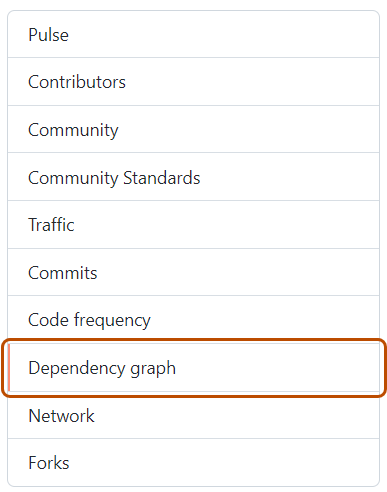
-
В разделе "Граф зависимостей" щелкните Dependabot.
-
Справа от имени интересующего вас файла манифеста нажмите кнопку "Последние задания обновления".
-
Кроме того, чтобы просмотреть полные файлы журналов для определенного задания, щелкните просмотр журналов.


